Launch guides
How to launch a token paired with stocks on BNB Chain
By UP90003 min read
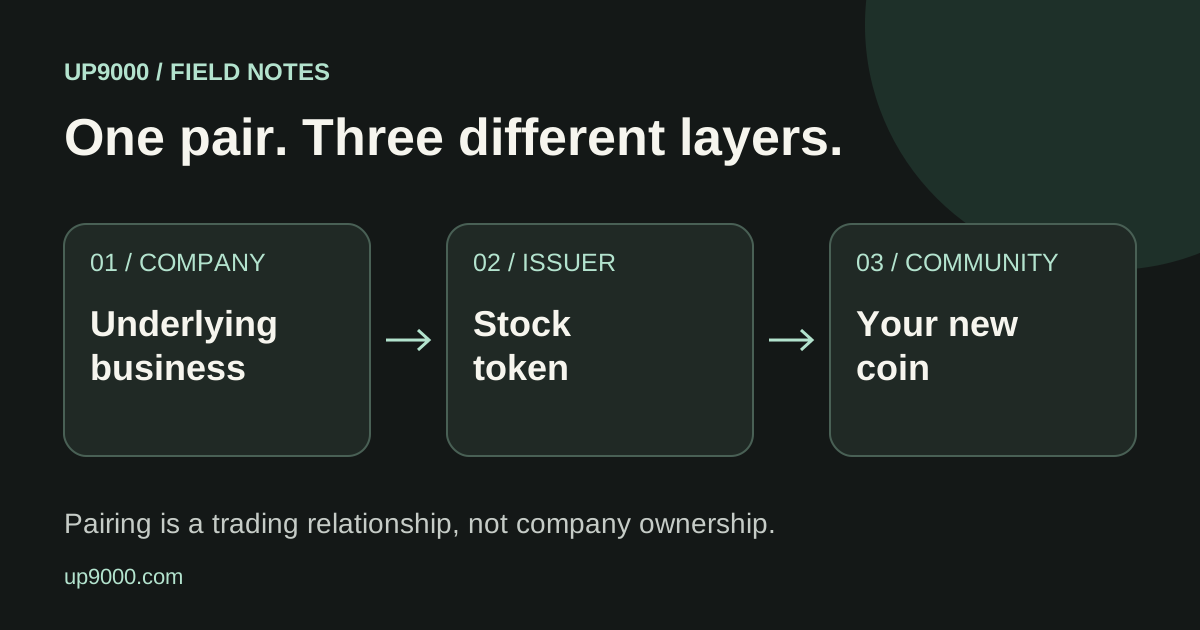
You can give a new community coin a stock token as its trading pair on UP9000. Start by understanding what buyers will spend, then choose from the quote assets actually available in the launch form.
The short answer
- The paired asset is what buyers spend and sellers receive.
- You do not deposit the entire graduation target to create a token.
- Check the final review before signing the launch transaction.
In this guide
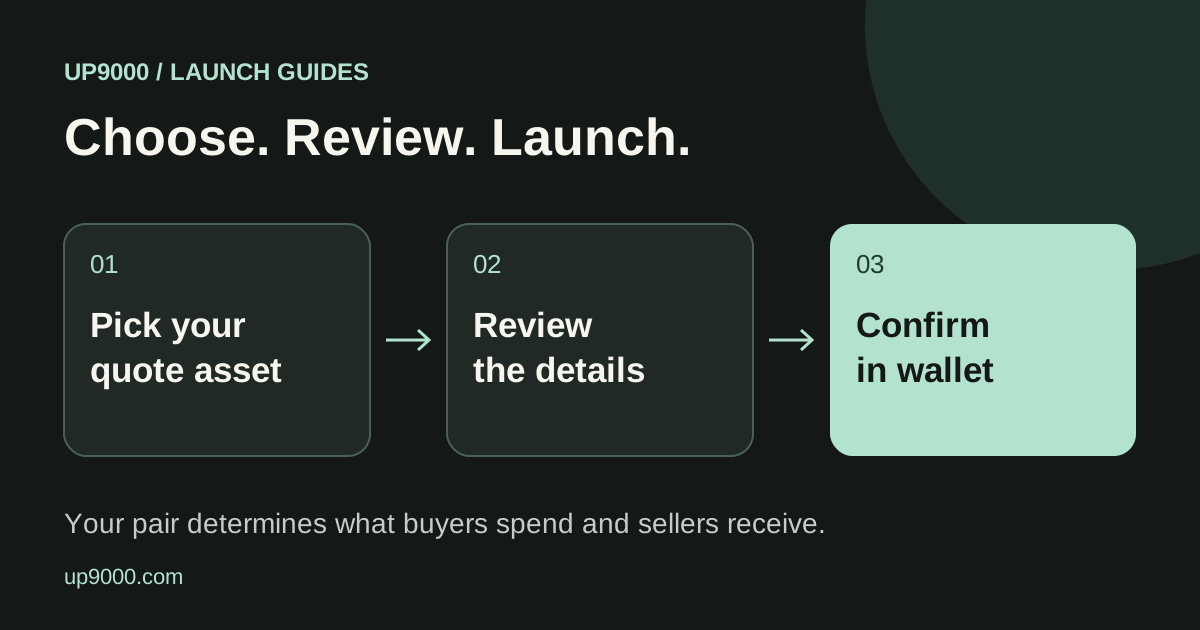
1. Choose the asset your buyers will use
Open Launch and select a paired asset. UP9000 lists reviewed assets that are enabled for new launches, including supported bStocks. Search by company or ticker, then confirm the exact token identity.
BNB and WBNB are related but different wallet balances. Native BNB is also used for network gas. Choosing USDT, USDC or a stock token means buyers need that particular token on BNB Smart Chain.
2. Read the graduation target in that asset
Each quote asset has its own configured target. The target is an amount of the pairing asset, not a promise to raise a fixed dollar value. A changing quote price changes the dollar equivalent.
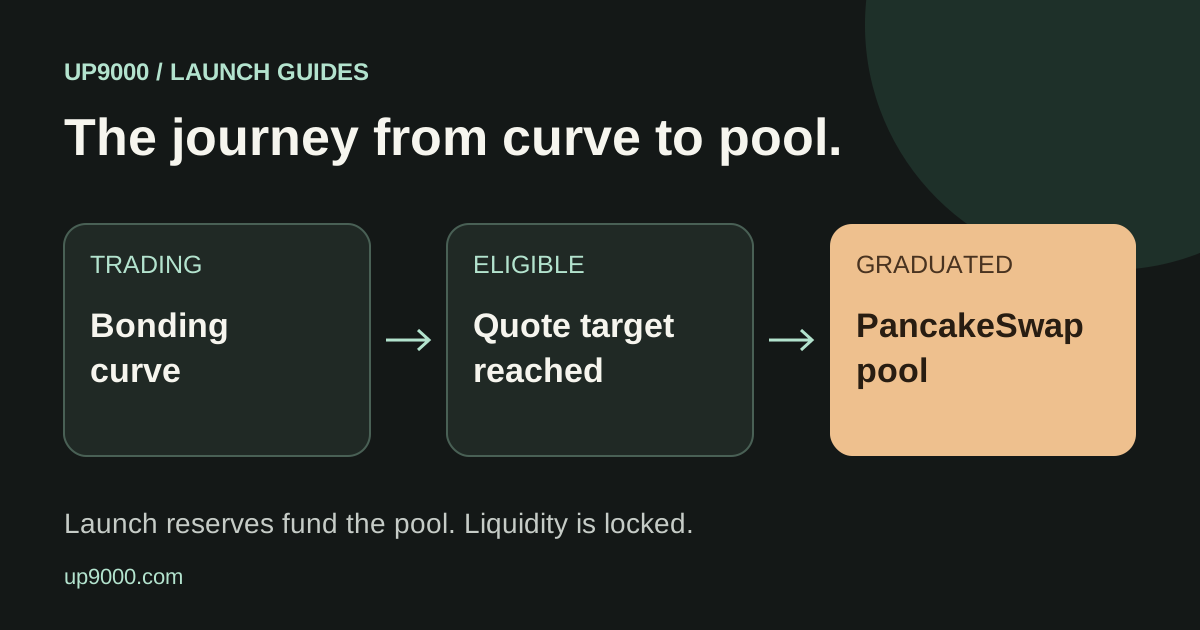
For an illustrative target of 50 stock tokens, a balance of 25 quote tokens on the curve represents 50% of that target. You do not need to supply all 50 tokens at creation. Buyers contribute quote assets as they trade, while sells can move progress back.
3. Add a clear token identity
Add a name, ticker, image and short description. Include your X and Telegram links if you have them. Use artwork you have permission to publish and explain your own project instead of implying a company sponsors it.
UP9000 checks and compresses the image for the launch flow. Review the result before signing. The final logo uses onchain storage, so treat launch details as permanent rather than a draft you can casually replace later.
4. Review creator settings and any first purchase
Optional settings let you review the creator fee recipient and any additional creator tax. These determine who receives creator payments and what traders pay, so check them even if you keep the defaults.
An optional first purchase requires its own funding in the selected quote asset. Spending a token may require an allowance approval before the launch can use it. Keep enough BNB for gas and follow the actual wallet requests, not a quoted number of clicks.
- Confirm the recipient address character by character.
- Check creator rewards and additional tax in the review.
- Leave a gas buffer instead of spending your entire BNB balance.
5. Confirm and share the exact token
Check the final preview and wallet simulation, then confirm the launch transaction. Wait for confirmation before sharing the token page.
Copy the contract address as well as the page link. Names and images can be copied by unrelated tokens, but the chain and address identify the one you launched. Trading activity and graduation depend on real participation, not simply completing the form.
Explore the live launch flow
Review available pairs and launch settings before you decide.
Explore launch options ↗