Comparisons
PONS vs UP9000: a PONS alternative on BSC
By UP90002 min read
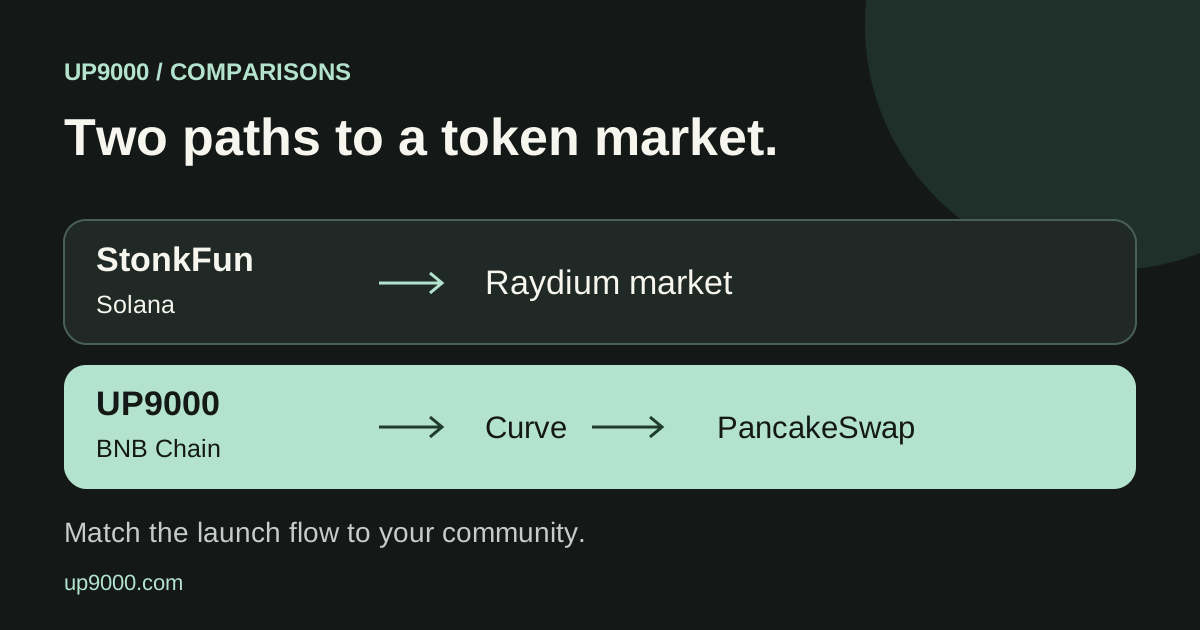
If you like the idea of PONS but your community already uses BNB Smart Chain, UP9000 is an option to evaluate. Start with the network and pairing asset, not just a familiar looking launch form.
The short answer
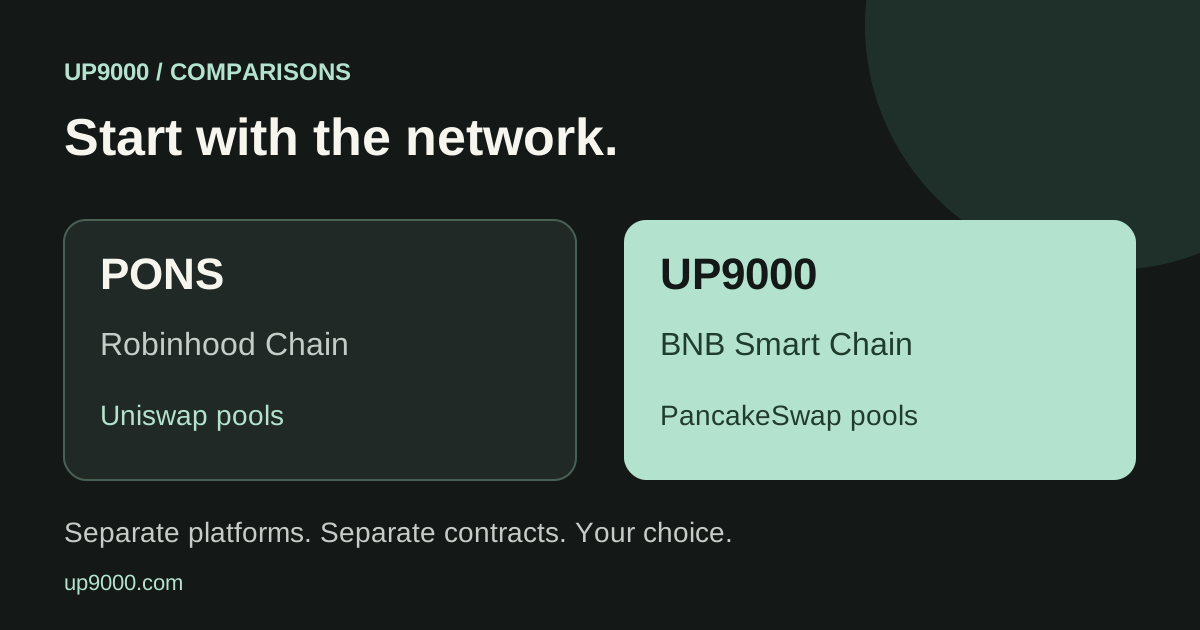
- PONS operates on Robinhood Chain. UP9000 operates on BNB Smart Chain.
- Both designs support approved pairing assets.
- UP9000 is an independent platform, not a PONS deployment or partner.
In this guide
The practical comparison
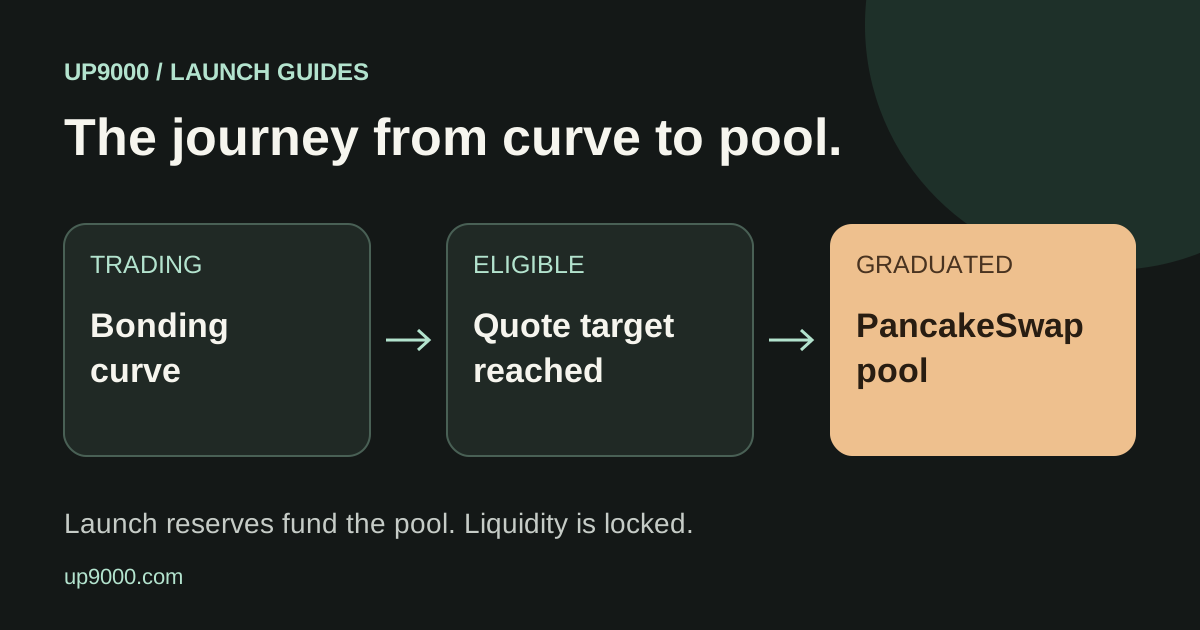
PONS V2 documentation describes launches with approved quote assets and graduation into Uniswap pools. UP9000 uses its own launch contracts and PancakeSwap Infinity on BNB Smart Chain.
Why look for a PONS alternative on BSC?
The useful question is where your intended buyers already hold funds. A community using BNB wallets and BSC assets may prefer launching on that network. Choosing a different chain means checking wallet support and obtaining the correct assets there.
BSC is another name commonly used for BNB Smart Chain. The network matters because a token address and balance belong to a specific chain. A ticker alone is not enough to identify what you are buying.
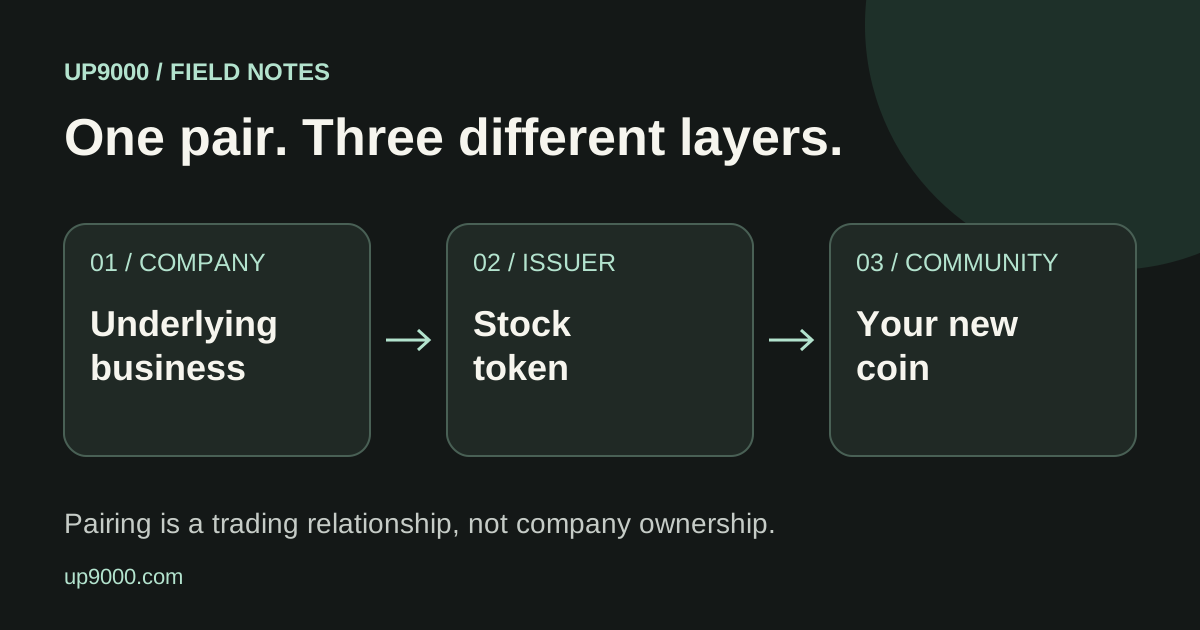
Pairing is part of the product
PONS documents that an approved custom pair becomes the launch currency, including buys, sells and the graduation target. UP9000 also records launch economics in the selected quote asset.
On UP9000, compare the available BNB, stablecoin and bStocks choices against what your community can actually obtain. A pair chosen for its story can create extra friction if nobody holds that asset.
Compare total costs at the time you launch
Do not rely on a screenshot of another launch to estimate your own cost. Network gas, the selected pair, an optional first purchase and creator settings can change what your wallet needs.
UP9000 shows a final review before the launch transaction. Check the creator recipient, creator rewards and any additional creator tax there. Compare actual trade quotes when evaluating ongoing costs rather than treating a single headline fee as the whole bill.
A short decision checklist
Choose UP9000 if you specifically want its BNB Chain launch flow and the currently available quote assets. Evaluate PONS separately if you want its Robinhood Chain ecosystem. Neither platform can guarantee that a new coin will find buyers.
This comparison is written by UP9000. It covers launch mechanics, not an independent safety ranking. Product settings can change, so verify the current launch screen and contract addresses before signing.
- Confirm the network in your wallet.
- Check the exact quote asset, not just its ticker.
- Review the graduation target and creator settings.
- Share the new token address so your community can identify the correct coin.
Explore the live launch flow
Review available pairs and launch settings before you decide.
Explore launch options ↗